
Bloom Hub / Getting Started
Just qualified? What your first website really needs
By Jade · October 2026 · 10 min read
“Do I need a website for my beauty business, or is Instagram enough?” I get asked this by newly qualified therapists more than almost anything else. The short answer is yes, you do. The good news is that your first one can be much smaller and simpler than you think, and it doesn’t need to cost a fortune.
In this guide
- Do I need a website for my beauty business if I have Instagram?
- What does a beauty website need at the start?
- What you can leave until later
- Online booking and deposits
- Photos when you have none yet
- Domain name and professional email
- Build your first website for mobile
- The basics for Google
- Privacy policy and cookies, the light version
- What to spend if you need a website for your beauty business
- Common first-website mistakes
- Questions I get asked
Want a hand with this?
Book a free call and I’ll tell you exactly where I’d start with your business.
This is what I’d tell a friend who’d just finished her training and was staring at a blank page. Which pages to have, what to put on them, what to leave for later, and the mistakes I see over and over again on first websites.
Do I need a website for my beauty business if I have Instagram?
Instagram is brilliant for showing your work and letting people get to know you. I’d never tell you to stop using it. But it does a different job from a website, and relying on it alone leaves some big gaps.
- Google. When someone types “brow lamination Leicester” into Google, your Instagram posts rarely show up. A website with your treatments and your town on it can. Those searchers already want the treatment, so they’re often ready to book there and then.
- Trust. Lots of clients check for a website before they book someone they’ve never met, especially for anything that involves needles, acids or their face. A tidy site with clear prices and policies tells them you’re a proper business.
- Booking. A website gives you one calm place to send people, with prices, location and a book now button. No digging through highlights or waiting for a DM reply.
- You own it. Your Instagram account can be hacked, restricted or changed overnight by someone else’s algorithm. Your website and your domain are yours.
Think of Instagram as the shop window and your website as the shop. People wander past the window, and the website is where they actually walk in and book.
What does a beauty website need at the start?
Six pages, or sometimes fewer if you combine a couple. That’s it. Here’s what each one needs to say.
Home
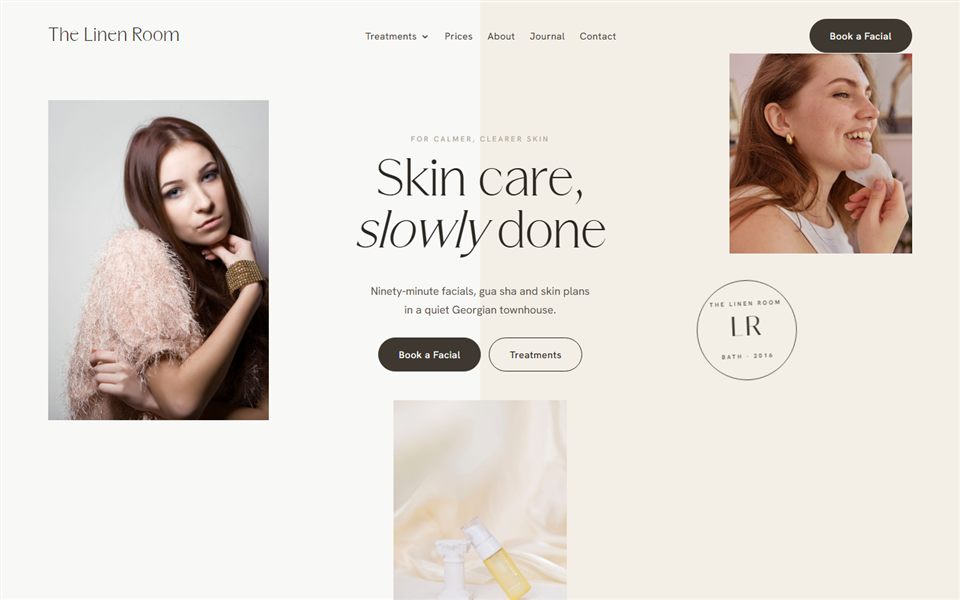
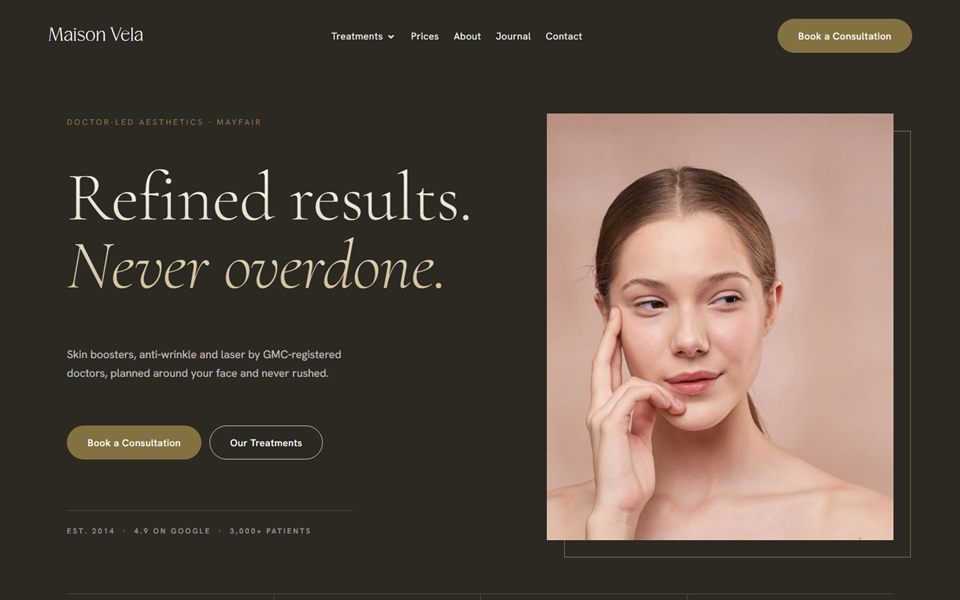
Within a few seconds, a visitor should know what you do, where you are and how to book. “Lash lifts and brow lamination in a private studio in Didsbury” does that. “Welcome to my little world of beauty” doesn’t. Under that, add a few photos of your work, a short line about you, two or three reviews and a book now button.
Treatments and prices
Every treatment you offer, what it involves, how long it takes, how long results last and how much it costs. Note patch tests and deposits next to the treatments they apply to, and make sure the price you show is the full price, with no booking fee added at checkout. Please show your prices. A page that says “DM for prices” loses people who are browsing at 11pm and want an answer now. If you’re still working out your numbers, do that before you build this page, not after.
About
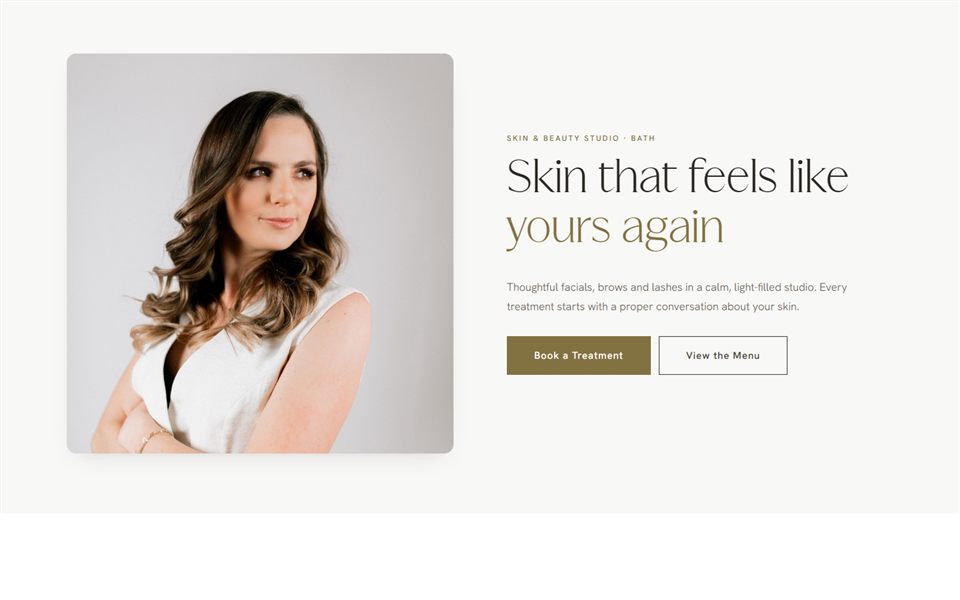
Your face, your name, your training and why you do this. Keep it warm and fairly short. People are letting you very close to their face or body, so they want to know who you are. A clear photo of you, smiling, does a lot of heavy lifting here.
Booking
This can be its own page or simply a button that goes straight to your booking system. More on that below.
Contact and location
How to reach you, your opening hours and where you are. If you work from home and don’t want your full address public, give the area and send the exact address in the booking confirmation. Add a line about parking and access, because “where do I park?” is the question every home-based therapist gets asked. One thing to know: the UK e-commerce rules generally expect a business that takes bookings online to give a geographic address somewhere on its site, so have a think about how you handle that in your terms or policies page rather than leaving it off altogether.
Policies
Your cancellation and no-show policy, deposit rules, late arrival policy and anything treatment-specific like patch tests or age limits. Some age limits are the law rather than your choice. Botox and fillers can’t be given to under-18s for cosmetic reasons in England under the Botulinum Toxin and Cosmetic Fillers (Children) Act 2021, for example. Writing your policies down early saves so many awkward conversations later. Link to them from the booking process too, so clients have seen them before they pay.
What you can leave until later
A first website tries to do too much far more often than too little. You can happily skip these for now:
- A blog. Writing helpful articles can be great for Google, but only if you can keep it up. Three posts from 2025 and nothing since looks worse than no blog at all. Add one when you have the time.
- An online shop. Selling aftercare products or gift vouchers online means stock, postage, returns and extra admin. Many booking systems can sell gift vouchers for you anyway.
- A page for every treatment. One clear treatments page is fine when your menu is small. Separate pages make more sense once you’re established and want to rank for specific treatments.
Online booking and deposits
If there’s one feature worth getting right from day one, it’s this. Clients book when it suits them, which is often late at night or on a lunch break. If they have to message you and wait, a good number will book someone else.
Pick a booking system made for beauty businesses. Fresha, Booksy, Timely and Square Appointments are common choices, and they all let you take deposits or card details when someone books. Check how each one charges, as some take a monthly fee and others take a cut of each booking or charge for new clients they send you. Before you commit, check two more things: that it can hold consultation and consent forms securely, and that you can export your full client list if you ever move. Your client list is the most valuable thing in there.
Then link your website to it properly. Either embed the booking widget on your booking page, or make every “book now” button on your site go straight to your booking page. Not to your Instagram. Not to a contact form. Straight to the place where they choose a time and pay a deposit.
Photos when you have none yet
This is the one that stalls most new therapists. You want a website, but you haven’t got a portfolio. Here are your honest options.
- Case studies. A handful of portfolio appointments with friends or models, photographed in the same spot and the same daylight. Even five good results are enough to launch with, and you can add more every week. My guide to getting your first clients covers how to set these up.
- Photos of your space. Your treatment bed made up nicely, your products lined up, the view from your window. These help clients picture themselves there.
- A photo of you. A friend with a decent phone, good natural light and ten minutes is enough for now. Book a proper photographer once money is coming in.
- Stock photos, used carefully. Fine for backgrounds or general mood, like a soft image of skincare products. Never use stock photos to show results, because that’s passing off someone else’s work as yours, and clients can tell.
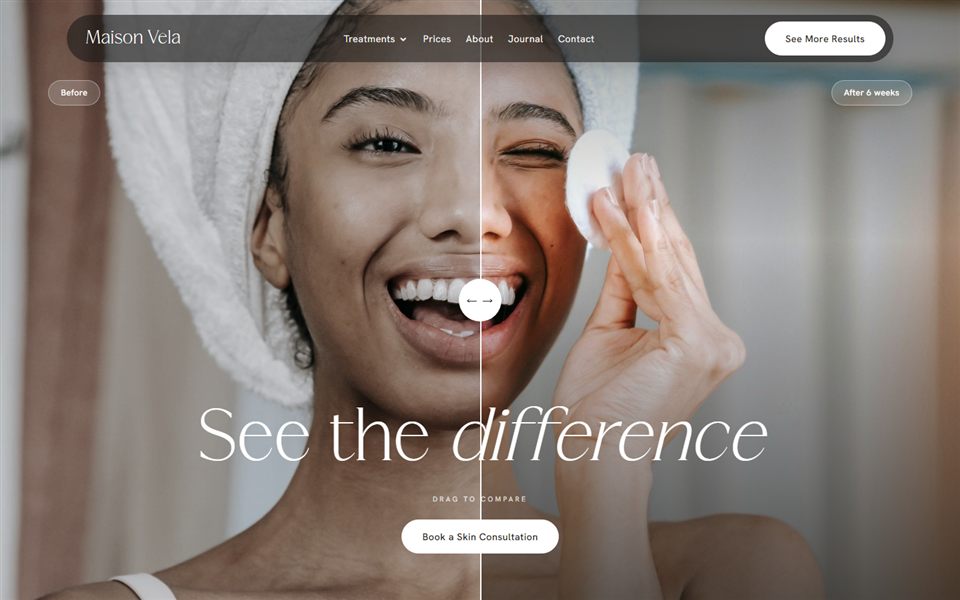
Two rules for your own results photos. First, don’t retouch or filter the treated area. The ASA treats before and after photos as a claim about what you can achieve, and its beauty advertising advice is clear that editing them can make them misleading. Keep the unedited originals. Second, get written permission from every client before their face goes on your website or socials, and keep a record of it.
Domain name and professional email
Your domain is your web address, like serenebrows.co.uk. Buy it as soon as you’ve settled on your business name, before someone else does. A few tips:
- Keep it short, easy to spell and easy to say out loud.
- Go for .co.uk if you only work in the UK. It tells people you’re local.
- Register it in your own name, with your own login, even if someone else builds the site, and switch on auto-renew. I’ve seen too many business owners lose their domain when a freelancer disappeared or a card expired.
Then set up an email address on that domain, like hello@serenebrows.co.uk. Google Workspace and Microsoft 365 both charge a modest monthly fee per mailbox, and it looks far more professional on your booking confirmations than a Hotmail address from school. Ask whoever sets it up to add the SPF, DKIM and DMARC records for your domain too. They prove your emails really come from you, and Google’s sender guidelines expect them, so without them your emails are far more likely to land in spam.
Build your first website for mobile
Most of your visitors will be on their phones, often having just tapped the link in your Instagram bio. So design for the phone first and check the desktop version second, not the other way round.
On your own phone, check that the text is easy to read without zooming and stands out clearly from the background, the book now button is easy to tap with your thumb, your phone number is tappable and the pages load quickly. Big uncompressed photos are the usual reason a beauty website feels slow, so resize them before you upload.
The basics for Google
You don’t need to become an SEO expert to give a first website a fair chance on Google. Get these right and you’re ahead of plenty of established salons.
- Page titles. Each page has a title that shows in Google results. Make it say what you do and where, such as “Lash Lifts and Brow Lamination in Didsbury | Serene Brows”, rather than just “Home”.
- Your location in the words on the page. Mention your town or area naturally in your homepage text, treatments page and contact page.
- Your Google Business Profile. Set it up, link it to your website and link your website back to it. For local searches it often matters even more than the site itself. My guide to Google Business Profile for salons walks through it.
- Consistent details. Your business name, area and phone number should match everywhere: website, Google, booking system and social bios.
That’s plenty for now. Once you’re established and want to go further, that’s when proper SEO work starts paying for itself.
Privacy policy and cookies, the light version
Your website will almost certainly collect some personal information, through a contact form, your booking system or analytics. That means you need a privacy policy explaining what you collect, why and how people can ask you to delete it. If you use advertising cookies, like the Meta pixel, you need to ask visitors for consent before they load. Since February 2026, simple analytics used only to improve your own site can be exempt from consent, as long as you tell people about it and give them an easy way to opt out. The ICO explains the conditions, and if you’re unsure, asking for consent is the safe option.
The ICO has guidance for small businesses that’s written in plain English. Most small businesses that hold client details also need to pay the ICO data protection fee, which is £52 a year at the lowest tier, and the ICO’s fee checker tells you whether it applies to you. I go through this along with everything else to check before going live in my website launch checklist.
What to spend if you need a website for your beauty business
It depends on your budget, your time and how much you enjoy fiddling with design.
DIY website builders
Squarespace, Wix and similar builders let you make a site yourself for a monthly fee. They’re a sensible starting point if money is very tight and you’re comfortable with a bit of trial and error. The catch is time. Getting it to look polished, not just finished, can take far longer than people expect, and it’s easy to end up with something that looks a lot like everyone else’s.
A ready-made template
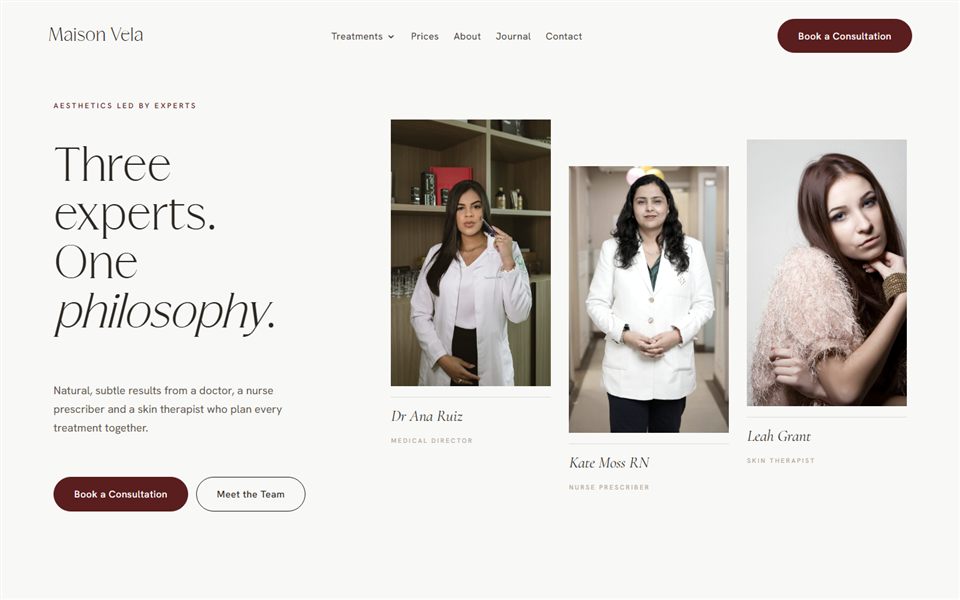
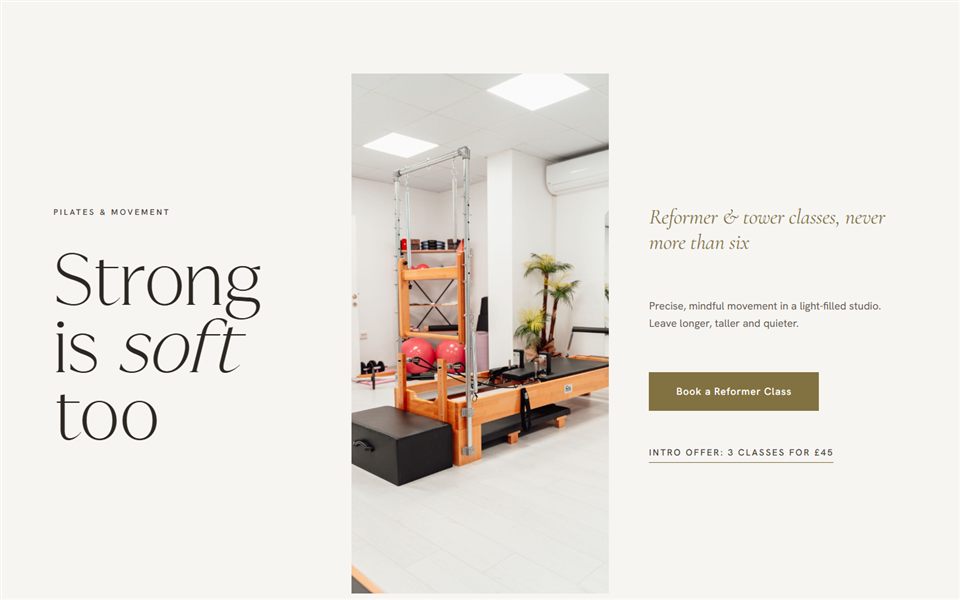
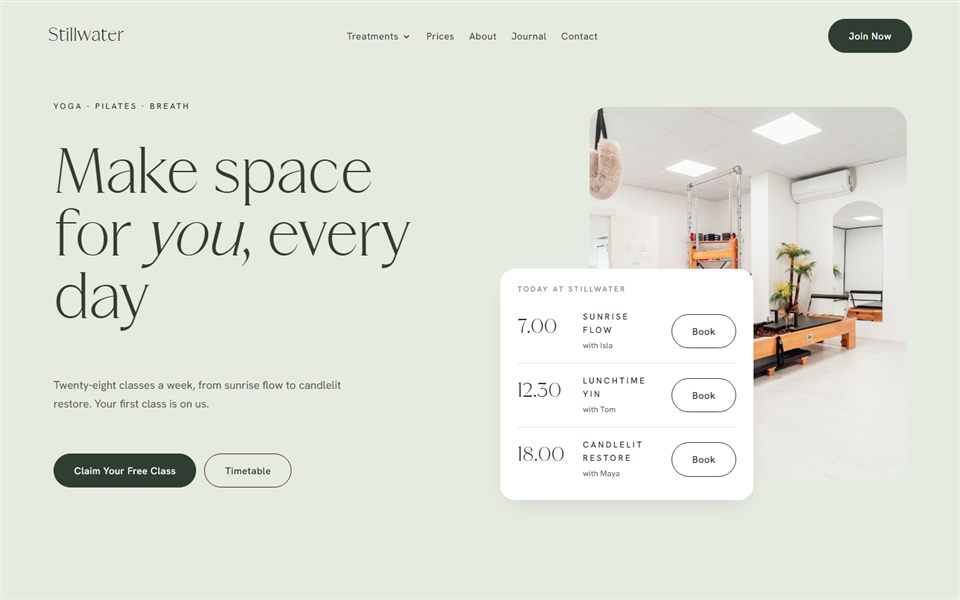
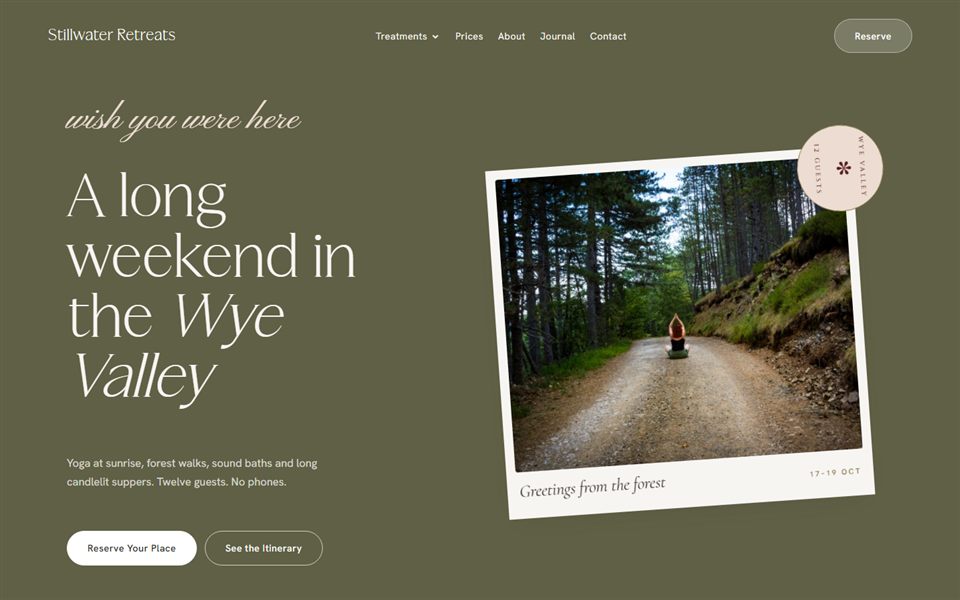
A template designed for beauty businesses gives you the structure, layouts and look already done. You swap in your words, photos and prices. It’s the middle ground: a professional result for a one-off cost and a lot less guesswork. If you’d like to see what that looks like, I make templates for beauty and wellness businesses.
Bespoke, later
A fully custom website, built around your brand and your goals, is a bigger investment. For most people it makes more sense once you’re booked up, know exactly who your clients are and are ready to grow, maybe into a clinic, a team or training. That’s when a bespoke website earns its keep.
Common first-website mistakes
- Book now buttons that go nowhere useful, like a contact form, an Instagram page or a dead link.
- No location. If Google and clients can’t tell where you are, neither will send you anyone local.
- Too many fonts and colours. Two fonts and a small, consistent palette always looks more expensive than six of each.
- Waiting for it to be perfect. A clear, simple site that’s live this month beats a dream site that’s still half-built next year.
Questions I get asked
Do I need a website for my beauty business if I only work from home?
Yes. Working from home makes a website even more useful, because clients can’t walk past and see your salon. A website shows them your space, your prices and your policies before they book, and helps you show up on Google for local searches.
What pages should a beauty website have?
Start with a home page, treatments and prices, about, booking, contact and location, and your policies. That covers everything a new client needs to decide and book. You can add a blog, extra treatment pages or a shop later.
How much does a website for a small beauty business cost?
It varies a lot. A DIY builder is usually a monthly subscription, a ready-made template is a one-off cost plus hosting and domain, and a bespoke site is a bigger investment. Remember to budget for your domain, email, booking system and the ICO fee too, as those running costs carry on whichever route you choose.
Can I just use my booking page as my website?
You can at the very start, and it’s better than nothing. But booking pages give you little control over how you look, say very little about you and don’t usually help much on Google. A simple website that links to your booking page does both jobs.
Do I need a privacy policy on my beauty website?
If your site collects any personal information, through forms, booking or analytics, then yes. It should explain what you collect, why, how long you keep it and how people can contact you about it. If clients fill in consultation forms, remember that health details need extra care. The ICO’s small business guidance is a good place to start.
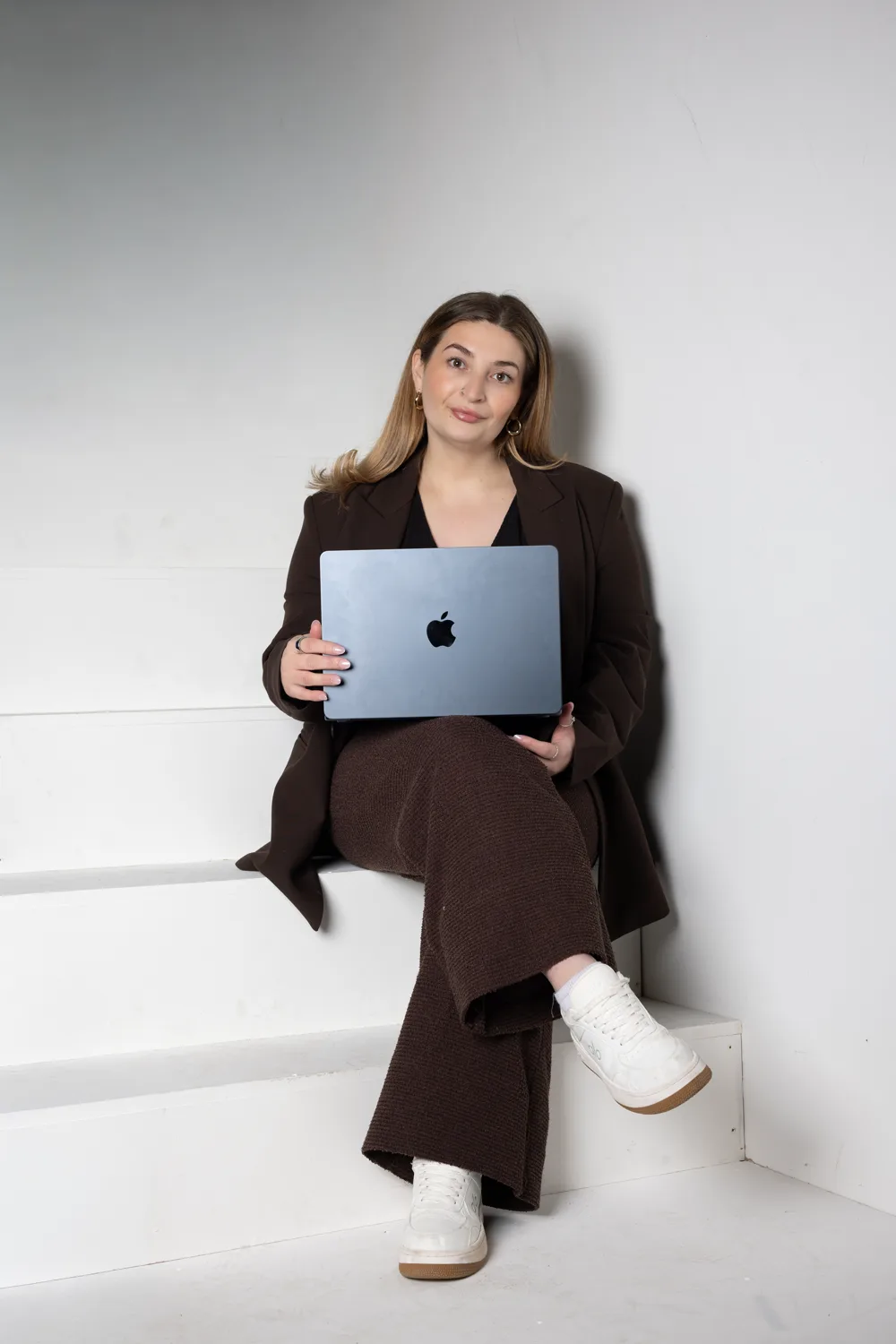
Written by Jade
Founder of Design With Bloom. Designing elevated websites for beauty and wellness brands, with 10 years in marketing behind every detail.
Keep reading
More from the Bloom Hub
Your first website
Ready to bloom?
Start with a beauty website that already has the right pages, booking buttons and treatment layouts in place, or tell me what you’re building and we’ll work out the right next step.