
Bloom Hub / Branding
How to choose brand colours and fonts that feel like you
By Jade · October 2026 · 9 min read
Most people start with a colour they like. Sage green, a dusty pink, a deep navy they saw on someone else’s Instagram. That’s a fine place to begin, but it’s rarely where you end up. Knowing how to choose brand colours and fonts properly means starting with your clients and how you want them to feel, then picking the colours and type that say it for you.
In this guide
- Start with your clients, not your favourite colour
- A note on colour psychology
- Building a brand colour palette
- Test your colours on real things
- Make sure people can read it
- How to choose fonts for your brand
- Keep it consistent
- Common mistakes with brand colours for a beauty business
- When to get help
- Questions I get asked
Want a hand with this?
Book a free call and I’ll tell you exactly where I’d start with your business.
This is the process I use with clients before I design a single page. You can do most of it yourself with a notebook, a free afternoon and a bit of honesty about who you’re really for.
Start with your clients, not your favourite colour
Your brand isn’t really for you. It’s for the person scrolling past at 10pm wondering whether to book. So before you open Pinterest, write down who your ideal client is. Age range, roughly what they earn, what they’re worried about, what they’d be happy to spend on themselves.
Then pick three or four words for how you want them to feel when they land on your website or walk through your door. Keep them specific. “Nice” and “professional” don’t help much, because everyone wants those.
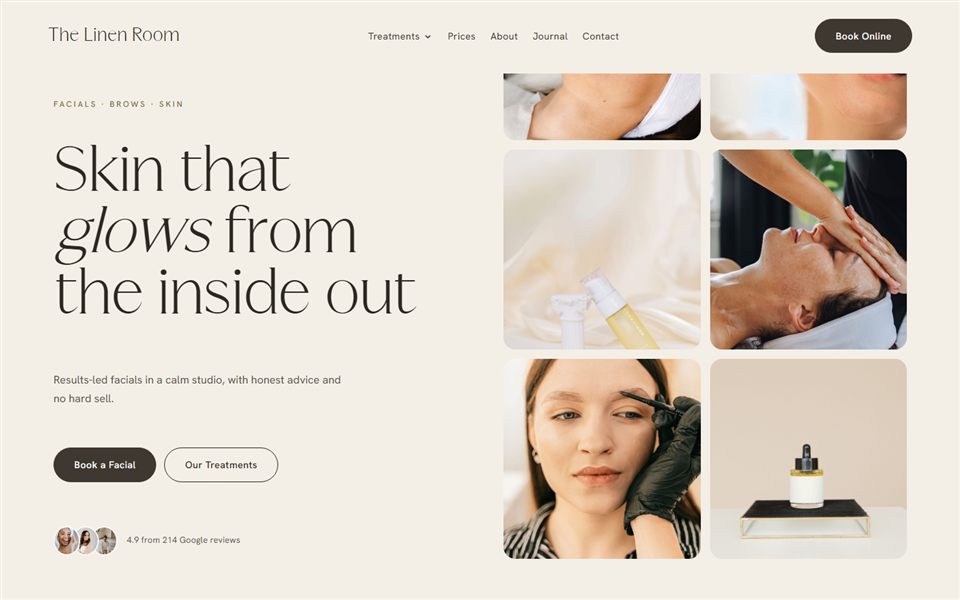
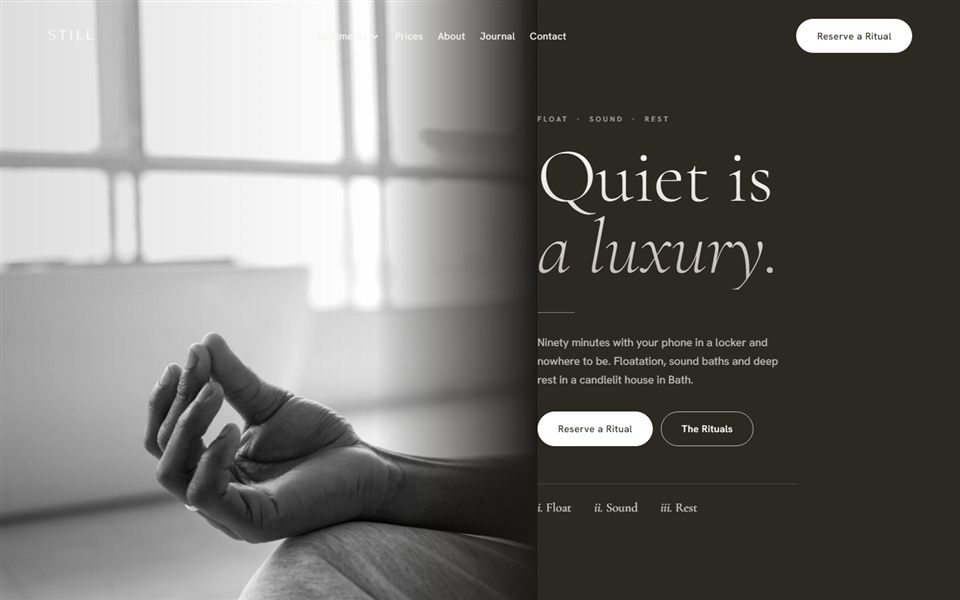
Take a facialist whose words are “clinical but calm”. Her clients might be women in their forties who’ve been sold products they didn’t need elsewhere. They want someone who knows the science, but they don’t want to feel like they’re sitting in a hospital. Those words give you a clearer brief than any mood board.
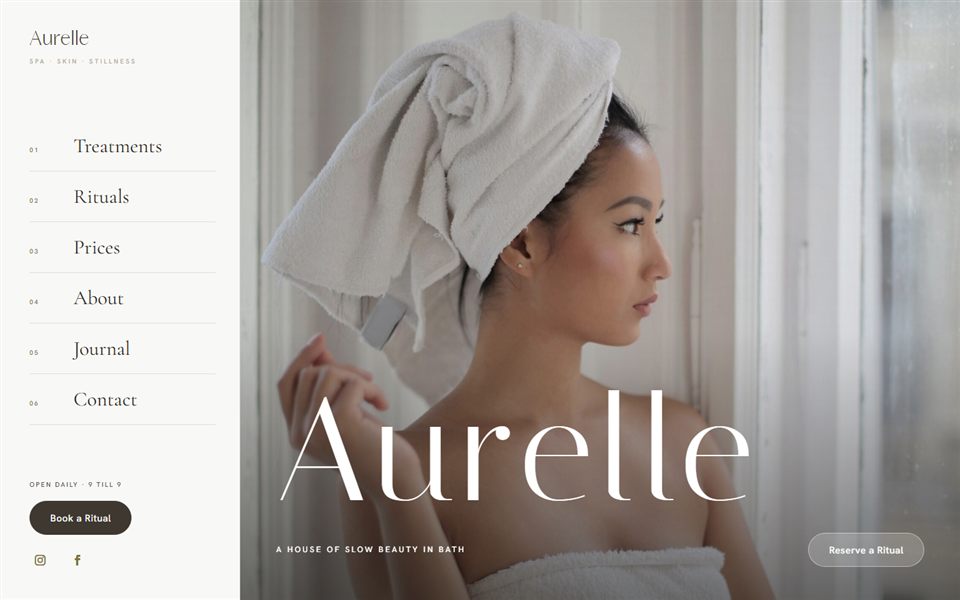
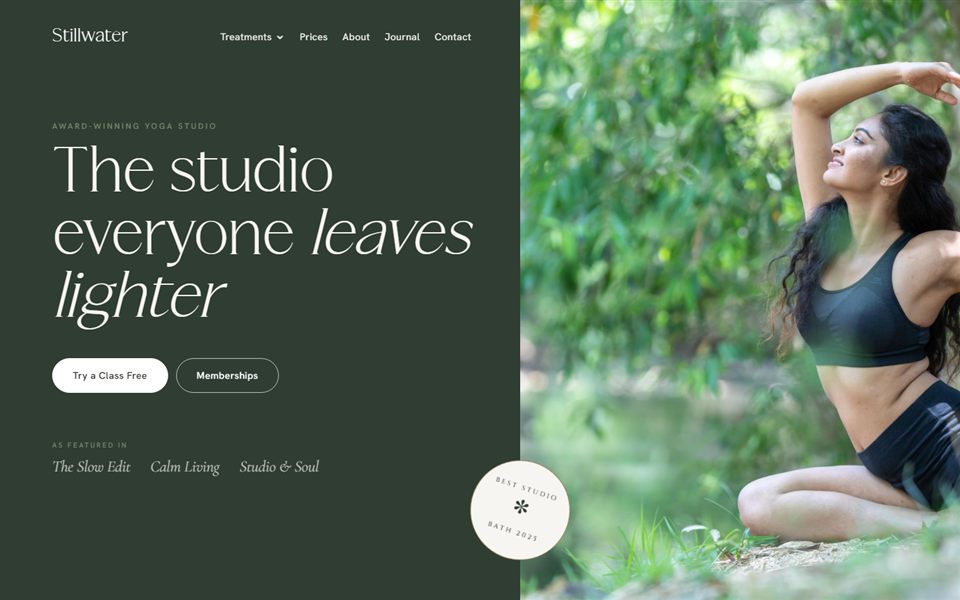
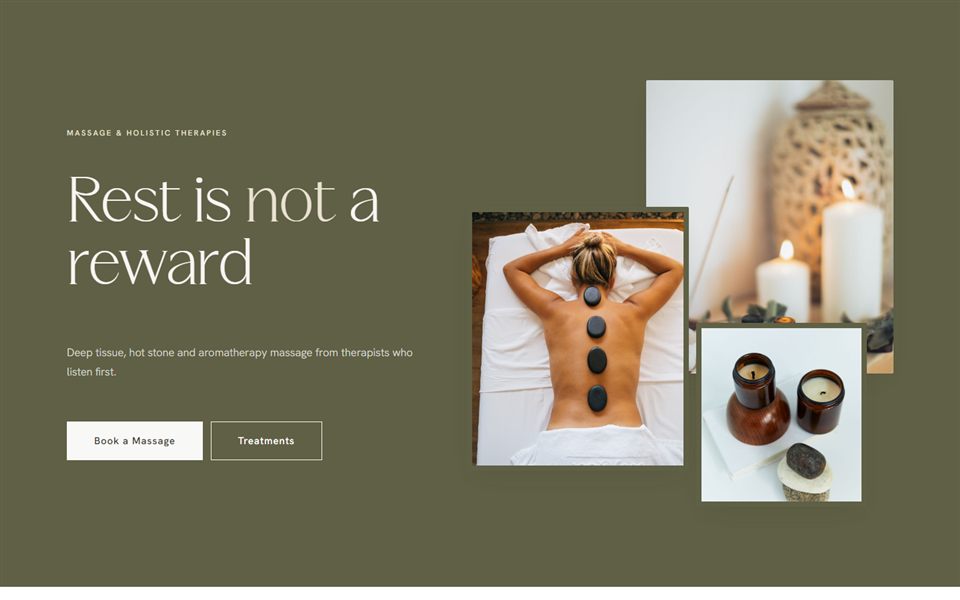
Now compare a yoga teacher by the sea who wants “grounded, warm, unhurried”, or a lash artist who wants “soft, girly, a little bit luxe”. You can already picture three very different brands from those words alone.
Check what everyone else is doing
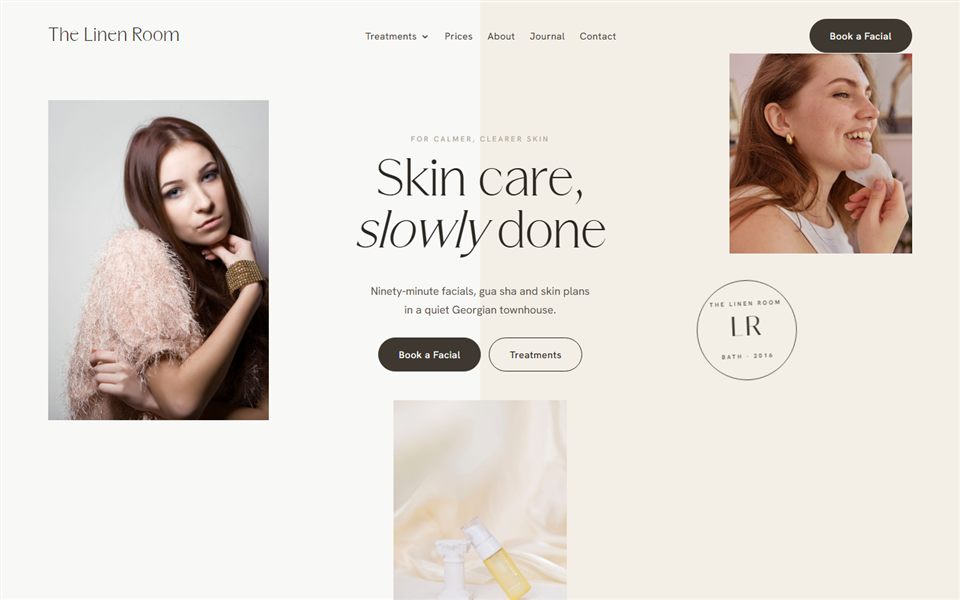
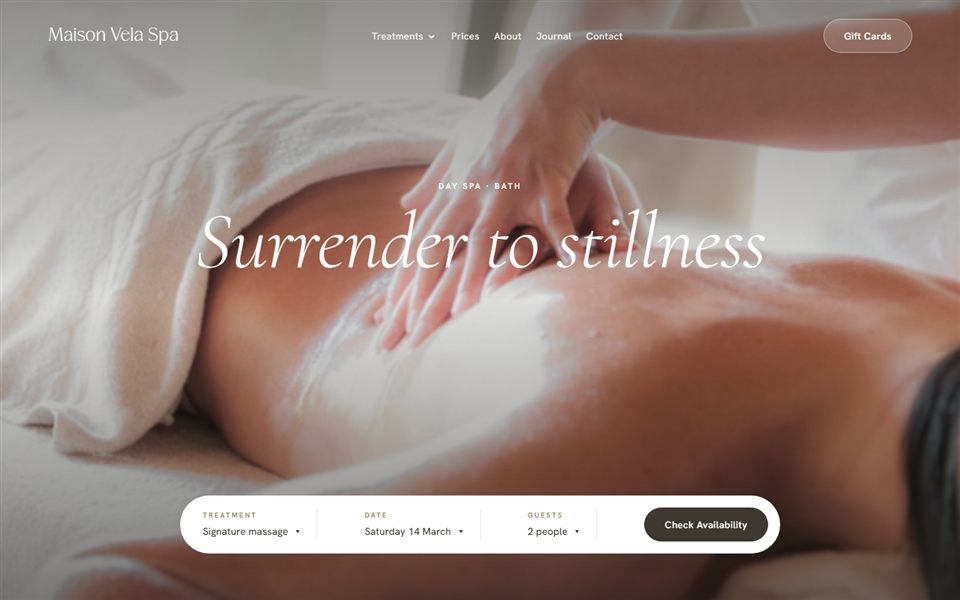
Once you have your words, look at eight to ten businesses near you that offer the same thing. Screenshot their websites and Instagram grids and put them side by side. You’ll usually spot a pattern quickly. In aesthetics it’s often white, gold and grey. In lashes and brows it’s a lot of blush pink. In wellness, everything seems to be beige and sage at the moment.
You don’t have to do the opposite of everyone, but you do want to be recognisable. If your feed sits in a client’s phone next to four others that look identical, nobody remembers which one was yours.
A note on colour psychology
You’ll find plenty of articles saying blue means trust, green means health and red makes people hungry. I’d take all of that with a pinch of salt. How people react to colour is personal and cultural, and it changes with context and fashion. White means purity in some places and mourning in others. A shade of green can look fresh on a skincare brand and dated on a kitchen.
What does matter is how colours work together and whether they suit your feeling words. A pale, warm palette with plenty of space around it feels calm to most people because of how it’s used, not because of some hidden rule about the colour itself. So trust your eyes and your clients’ reactions more than a chart.
Building a brand colour palette
A good brand colour palette is smaller than most people expect. You need four or five colours in total, and they each have a job:
- One main colour. The one people will associate with you. It goes on your logo, buttons and key details.
- A neutral base. Usually an off-white, cream or soft stone for backgrounds, plus a dark neutral for text. Very few brands use pure white and pure black, as they can feel harsh.
- One or two accents. Supporting colours for highlights, section backgrounds, icons and the odd graphic on social media.
As a rough guide, designers use the 60-30-10 rule: around 60% of what people see is your dominant colour (for most beauty brands, the neutral base), around 30% a secondary colour, and around 10% accent. On a calm, airy website I often let the neutral take even more than 60% and use the main colour more sparingly. It isn’t a law, but it stops the page looking like a box of sweets. If your accent colour starts creeping into every heading and every button, it stops being an accent.
Three example palettes
These are only examples to show how the pieces fit together. Hex codes are the six-character codes you’ll use on your website and in Canva. I’ve checked each one for contrast, because soft brand colours rarely work as button colours straight out of the mood board, and most palettes need one deeper “working” shade for buttons and links.
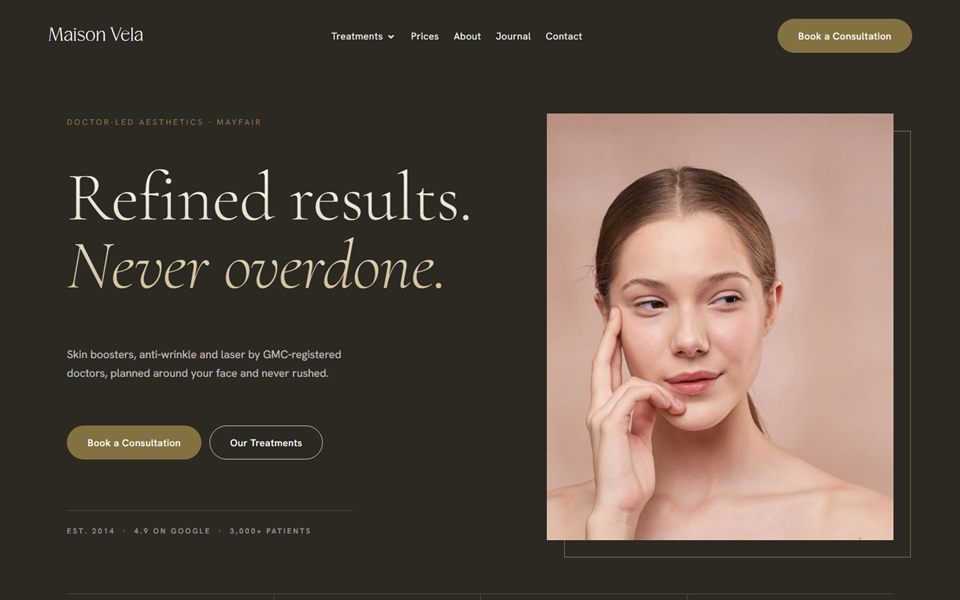
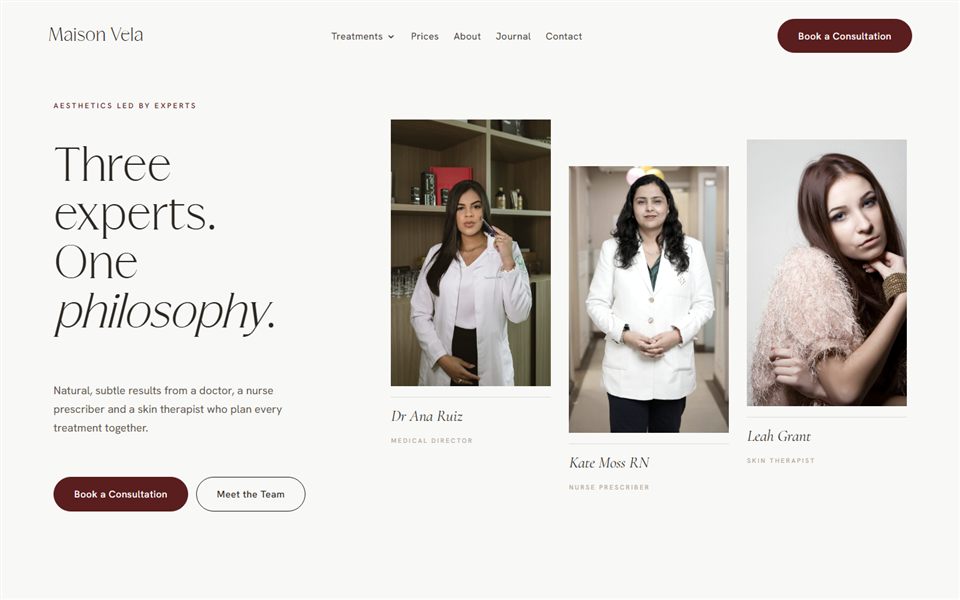
A clinical skin clinic. Cool and clean, with one warm note so it doesn’t feel cold. A soft off-white base (#F6F5F2), a deep slate for text (#2E3438), a muted blue-grey main colour (#6E8591) and a warm sand accent (#C9B79C). It says “we know what we’re doing” without shouting. White text on that blue-grey doesn’t quite reach the contrast needed for button text, so I’d add a deeper blue-grey (#56707D) for buttons and links, and keep the sand for shapes and backgrounds only.
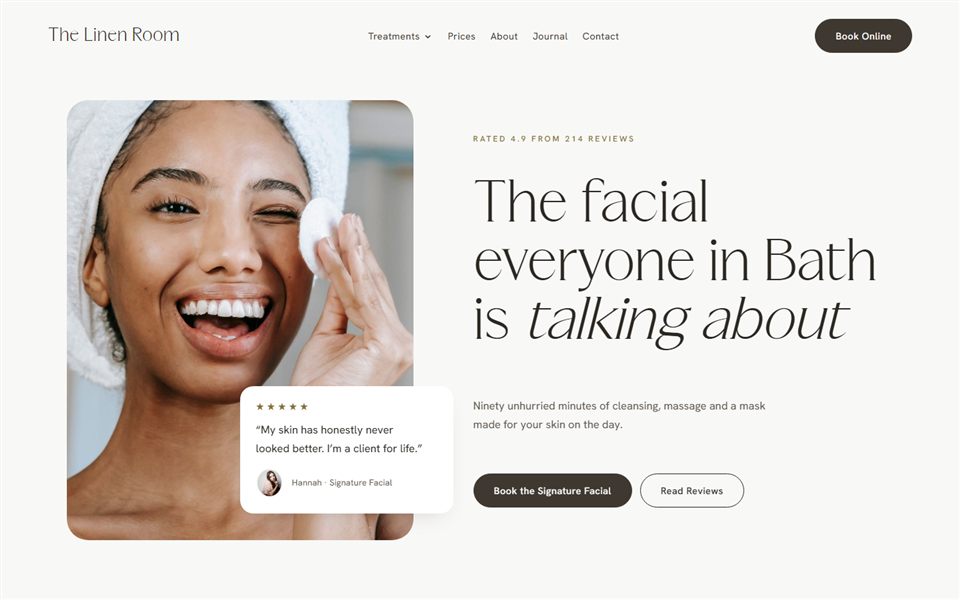
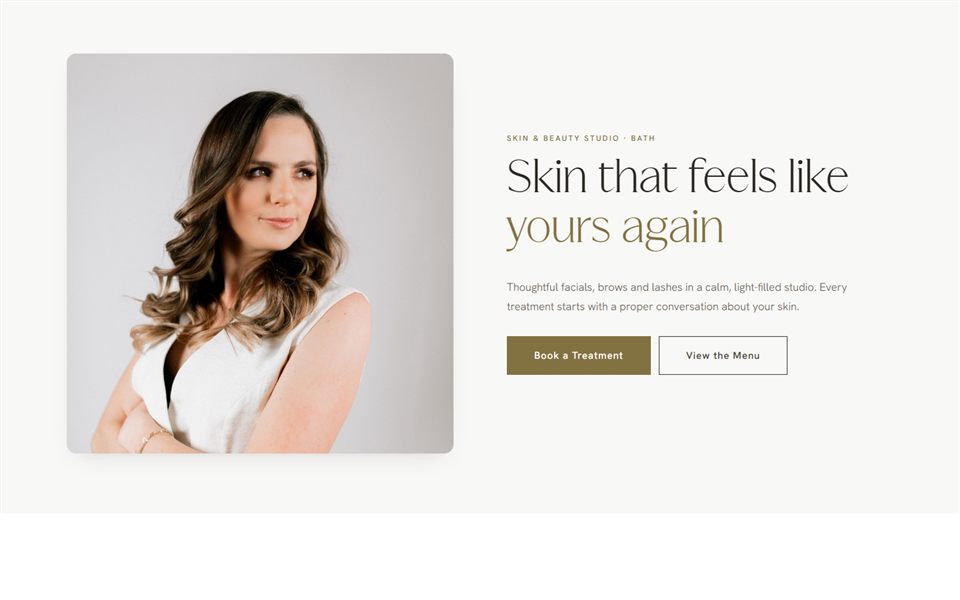
A soft lash studio. Pretty but grown up. A warm cream base (#FBF6F2), a soft cocoa for text (#4A3B36), a dusty rose main colour (#D4A5A0) and a muted champagne accent (#E6D3BE). Swapping bright baby pink for a dustier rose is often all it takes to make a lash brand feel more expensive. White text on dusty rose is far too faint, but cocoa text on a dusty rose button passes comfortably. The rose and champagne are too pale for text on cream, so use them for blocks of colour, not words.
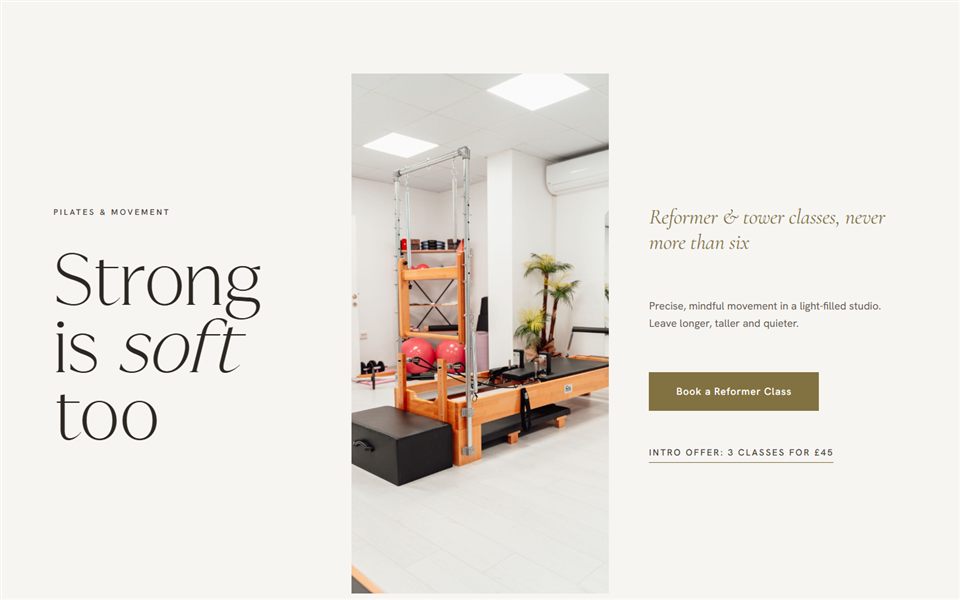
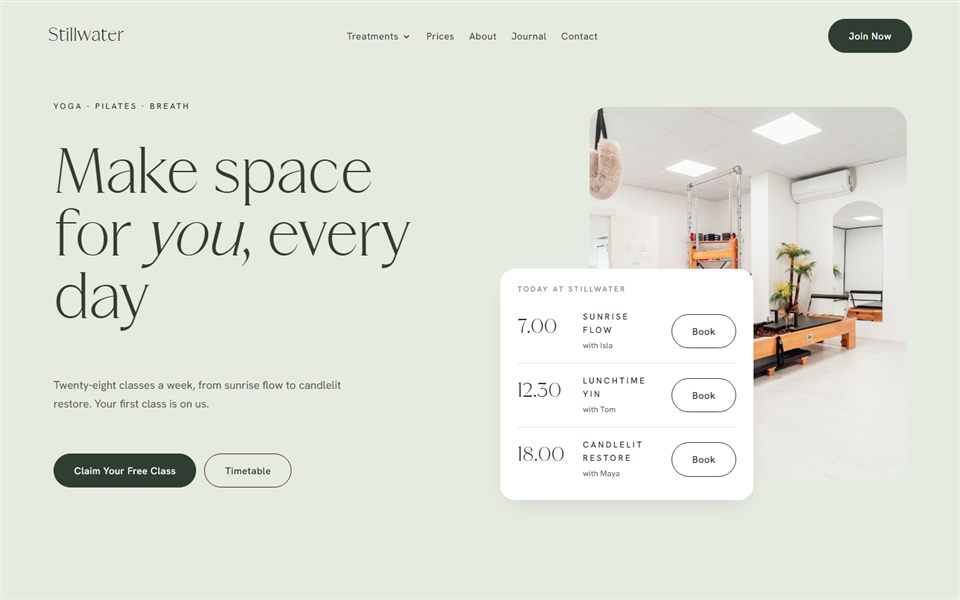
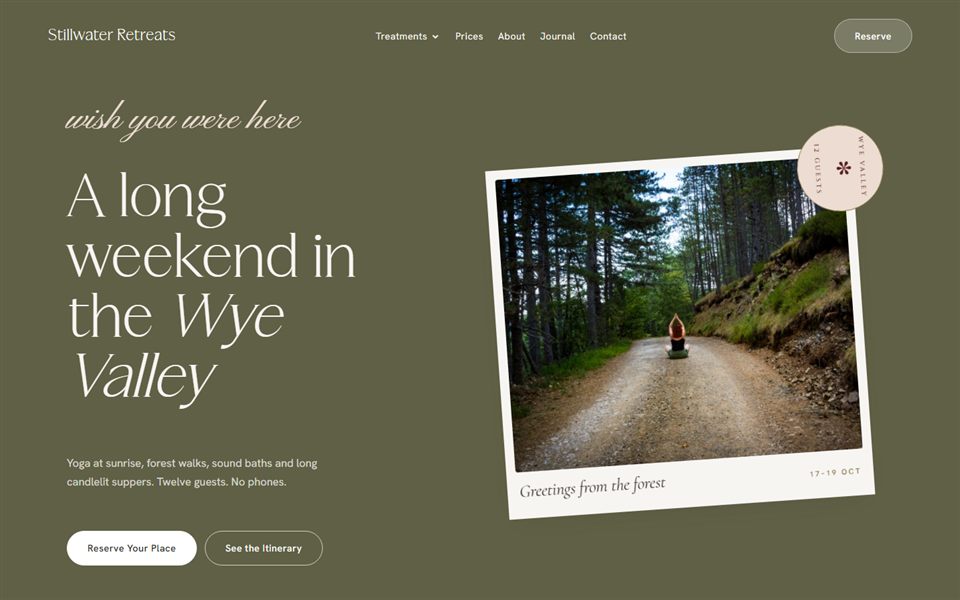
A grounded wellness space. Earthy and warm. A linen base (#F3EEE6), a dark olive-brown for text (#3B3A2F), a sage main colour (#8A9A7B) and a terracotta accent (#B9785A). The terracotta stops the sage feeling flat. For buttons, deepen it to a burnt terracotta (#96573D) so white text on it is easy to read, as neither white nor dark text quite passes on the lighter shade.
Test your colours on real things
Colours behave differently depending on where you see them. Before you commit, try them out properly:
- On screens. Look at your palette on your phone, a laptop and an older screen if you have one. Pale colours can disappear completely on a phone in sunlight.
- In print. Print a test page at home or at a local printer. Screens mix colour from light (RGB) and printers from ink (CMYK), so they never match exactly, and soft greens and pinks are often the worst offenders. Ask your printer for a proof, and add CMYK values to your brand guide so every print job starts from the same numbers.
- On an Instagram grid. Make nine quick tiles in Canva using your colours with some of your own photos, and look at them together. Does it feel like you?
- Against photos of your space. If your treatment room has grey walls and a white couch, a hot orange brand will fight every photo you post. Your palette needs to sit happily next to your real surroundings.
Make sure people can read it
This is the bit that gets skipped most often, and it matters. Pale text on a pale background might look lovely on a mood board, but it’s hard to read, especially for older clients and anyone with low vision.
The web accessibility guidelines (WCAG) set minimum contrast ratios. For the AA level most websites aim for, normal text needs at least 4.5:1 against its background, and large text (roughly 24px, or about 19px in bold) needs at least 3:1. Button edges, form field borders and icons that people need to see should reach 3:1 as well. Free contrast checkers let you paste in two hex codes and tell you whether they pass.
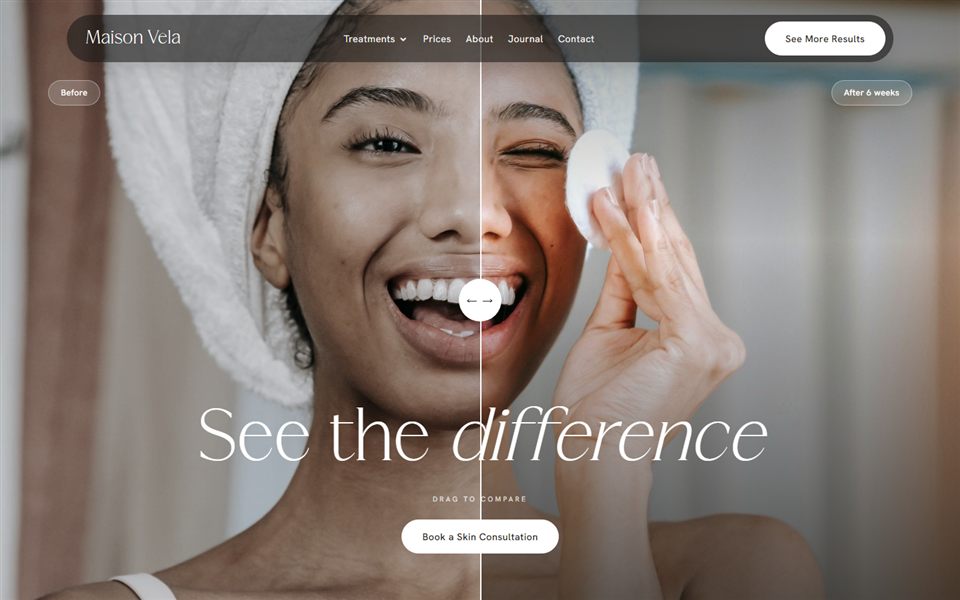
In practice, keep your body text dark, keep your backgrounds light, and check every pairing you’ll actually use, especially button text on your main colour. Soft pinks, sages and golds usually fail as text colours on cream, even at heading size, so save them for shapes and backgrounds, and add a deeper shade of your main colour for buttons and links if you need one.
How to choose fonts for your brand
Fonts carry as much personality as colour, sometimes more. The simplest approach is two fonts:
- A heading font with personality. This is where you show character. It’s used big, for headlines, your logo text and quotes on social media.
- A very readable body font. This does the hard work: paragraphs, treatment descriptions, prices, booking information. It needs to be plain and comfortable to read at small sizes on a phone.
Serif or sans serif, in plain English
Serif fonts have the little feet and flicks on the ends of the letters, like you’d see in a magazine or a book. They tend to feel classic, editorial or luxurious. Sans serif fonts don’t have them, so they look cleaner and more modern. Most of the beauty brands I design pair an elegant serif for headings with a simple sans serif for body text, because it gives you warmth and clarity together.
For the “clinical but calm” facialist, I’d reach for a fine, light serif for headings and a crisp sans serif for everything else. The “grounded, warm, unhurried” yoga teacher could go the other way, with a soft rounded sans serif for headings and a gentle serif for body text, which feels more like a well-loved book. Whichever you choose, check the body font at 16px on your phone. Fine, light weights that look elegant in a heading often turn spindly and hard to read in a paragraph.
Stick to two, and check the licence
Two fonts is plenty. A third usually makes things look busy, and a script font as well as two others almost always does. If you want variety, use different weights of the same font, such as light and medium.
Before you fall in love with a font, check you’re allowed to use it on your website. Many fonts are free for personal use but need a paid licence for business or web use, and that catches a lot of people out. Google Fonts is a good free option. Its FAQ confirms the fonts can be used commercially, mostly under the SIL Open Font License, and you’re allowed to download them and host them on your own website, which is how I prefer to set them up for speed. If you buy a font elsewhere, check the licence covers web use as well as desktop and print, as these are often sold separately.
Keep it consistent
Choosing your colours and fonts is half the job. Using them the same way every time is the other half, and it’s what makes people recognise you before they see your name.
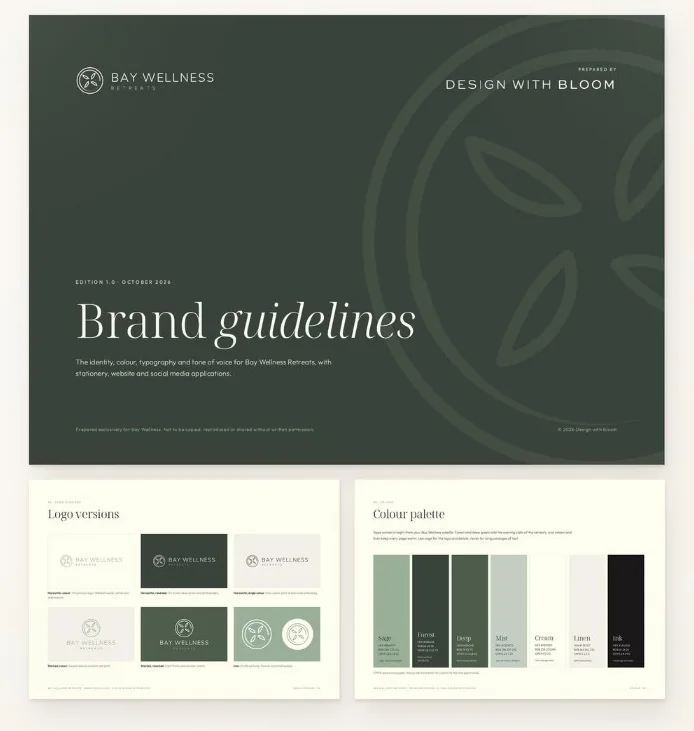
- Make a one-page brand guide. Your logo, your hex codes (plus CMYK for print), your two fonts with the sizes and weights you use for headings and body text, and a line on which colour does which job, including which pairings pass contrast. It doesn’t need to be fancy.
- Save your hex codes somewhere you’ll find them. A note on your phone works. So does the first page of your brand guide.
- Set up a Canva Brand Kit. Add your colours, fonts and logo, so every post and price list starts from the right place. The full Brand Kit is a paid feature, but on the free plan you can still save one palette of up to three colours.
- Share it. If anyone else makes things for you, such as a printer, a social media helper or your web designer, send them the guide first.
Once that’s done, carry the same look through everything: your website, your booking page, your aftercare cards, your emails. If you send newsletters, my guide to email design for salons shows how to keep them on brand when most inboxes won’t show your brand fonts.
Common mistakes with brand colours for a beauty business
- Too many colours. Seven colours means nothing feels like your colour. Cut back to four or five.
- Chasing trends. Whatever shade is everywhere this year will look dated in a few years. If you love it, use it as an accent rather than building everything around it.
- Unreadable script fonts. A flowing handwritten font can look beautiful for a single word. For your business name, menu or booking details, it’s often illegible, especially on a phone.
- Copying a big brand. It’s tempting to borrow from a famous skincare or fashion label. Clients notice, and it can make you look like an imitation rather than the real thing.
- Forgetting your photos. Your photos will take up more space than any colour you choose. If your palette and your photos don’t get on, it’s usually the palette that needs to change.
When to get help
You can get a long way on your own with this, especially at the start. If you’re just setting up, my guide to starting a beauty business from home covers the rest of the groundwork.
It’s worth bringing in a designer when you’re putting your prices up and want your brand to match, when you’ve been tweaking your colours for months and nothing feels right, or when your website no longer reflects the business you’ve built. If that’s where you are, it’s something I do as part of my bespoke design work. If it’s mainly your website that feels off, have a look at the signs your business has outgrown its website.
Questions I get asked
How many colours should a brand have?
Most small businesses need four or five: one main colour, a light neutral, a dark neutral for text and one or two accents. Any more than that and it gets hard to use them consistently. If your main colour is soft, a deeper shade of it for buttons and links is a sensible addition rather than an extra colour.
How do I choose brand colours for my beauty business?
Start with three or four words for how you want clients to feel, then look at what local competitors use so you don’t blend in. Pick a main colour that fits those words, add neutrals and an accent, and test it on your phone, in print and next to photos of your space. Then run every text and button pairing through a contrast checker before you build anything with it.
What fonts go well together for a brand?
A common, reliable pairing is an elegant serif for headings and a simple sans serif for body text. The heading font carries the personality and the body font keeps everything easy to read. Keep it to two fonts and use different weights if you want more variety.
Can I use any font on my website?
No. Many fonts need a commercial or web licence, even if they were free to download. Check the licence covers web use before you use one, or choose from Google Fonts, which can be used commercially on business websites for free.
Does colour psychology really work?
Not in the neat way it’s often presented. Reactions to colour vary by person, culture and context, so there’s no rule that a certain colour will make people book. Focus on whether your palette suits your feeling words, your clients and your photos.

Written by Jade
Founder of Design With Bloom. Designing elevated websites for beauty and wellness brands, with 10 years in marketing behind every detail.
Keep reading
More from the Bloom Hub
Look like you
Ready to bloom?
Once you’ve found your colours and fonts, give them a website that does them justice. Find a template you can make your own, or let’s build your brand and site together.