
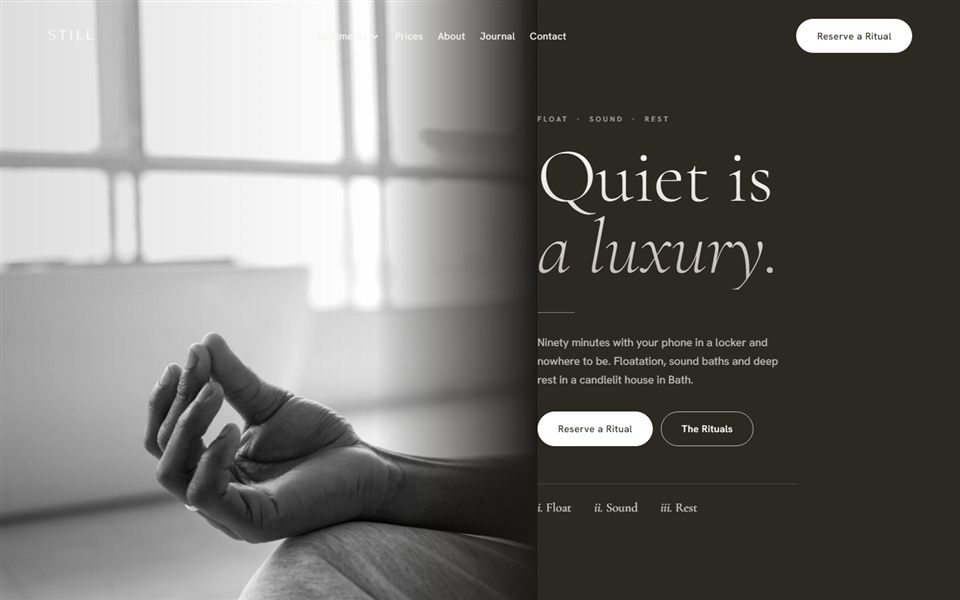
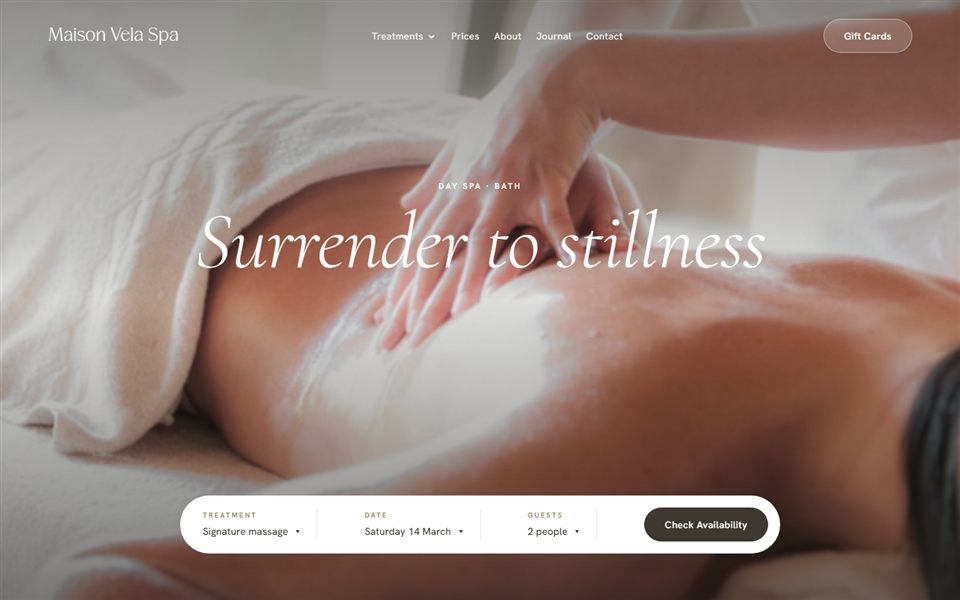
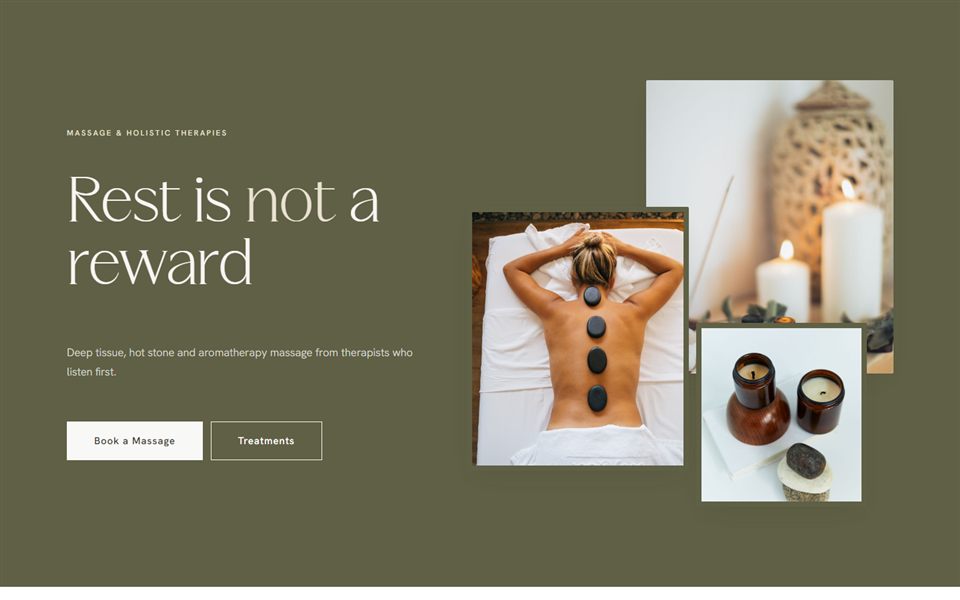
Bloom Hub / Website Growth
5 signs your beauty business has outgrown its website
By Jade · [Publish date] · 4 min read
When you first launched, your website did its job. It told people who you were and how to book. But your business has grown since then, and there’s a good chance your website hasn’t grown with it.
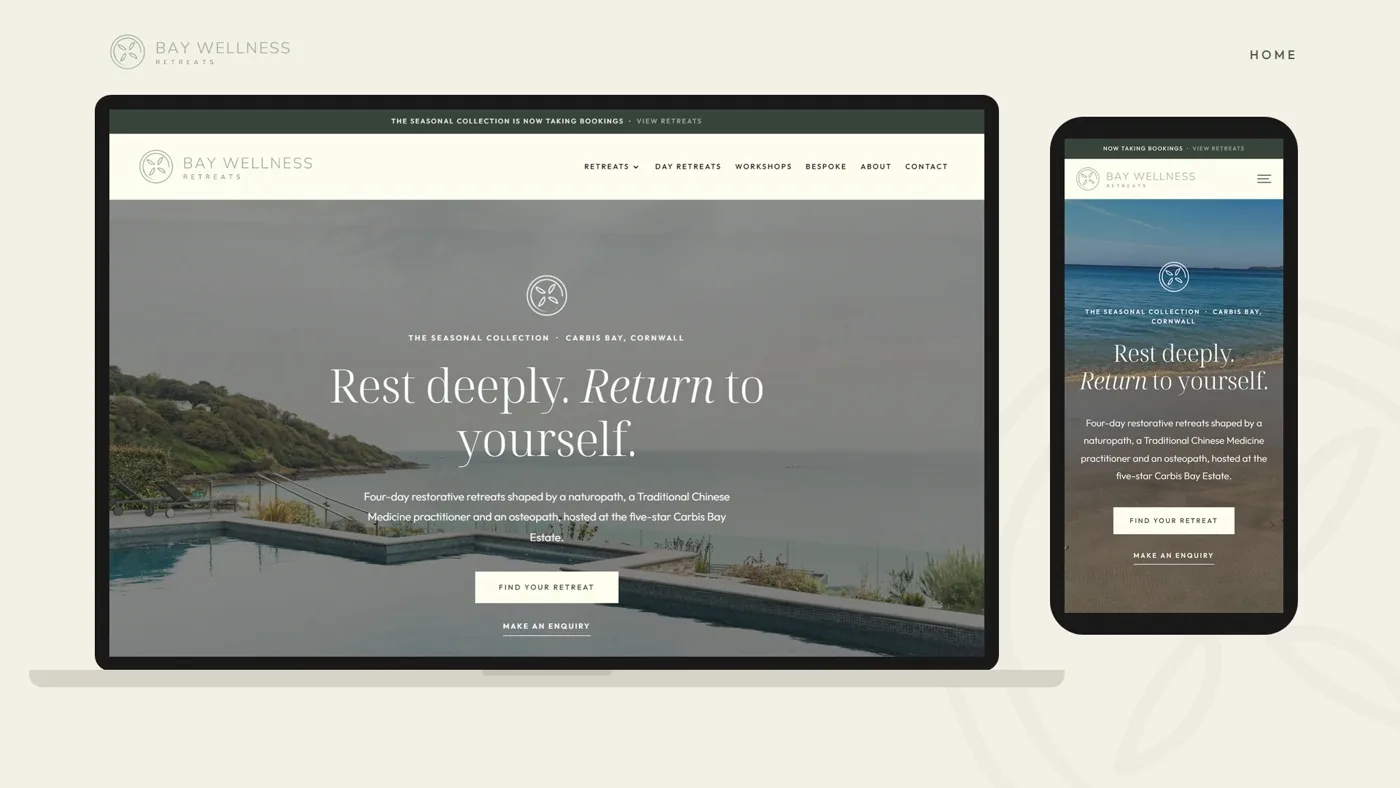
In this guide
Want a hand with this?
Book a free call and I’ll tell you exactly where I’d start with your business.
Here are the five signs I look for when someone asks me whether it’s time for a new site, and how to check each one properly rather than going on a hunch.
1. You apologise for it
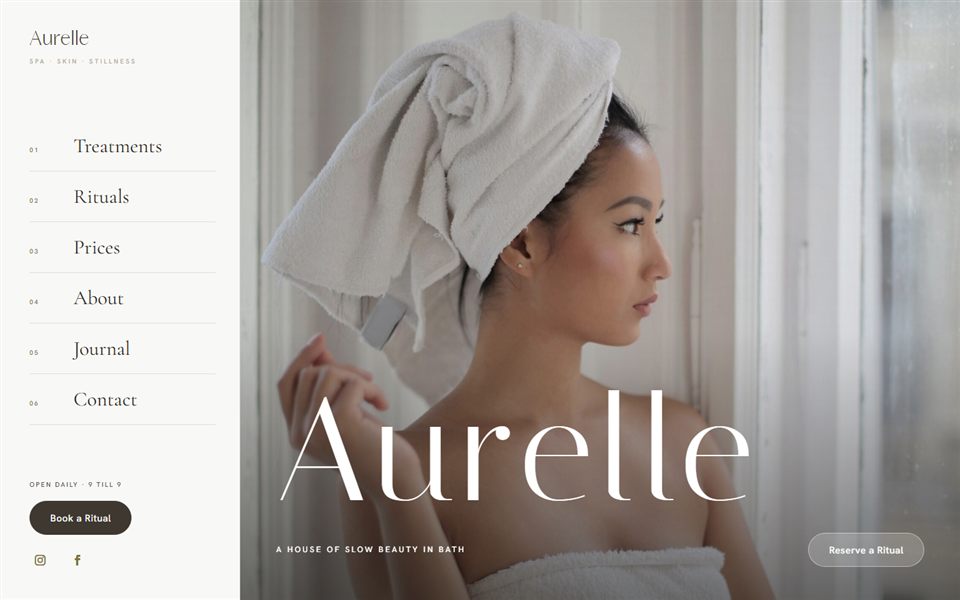
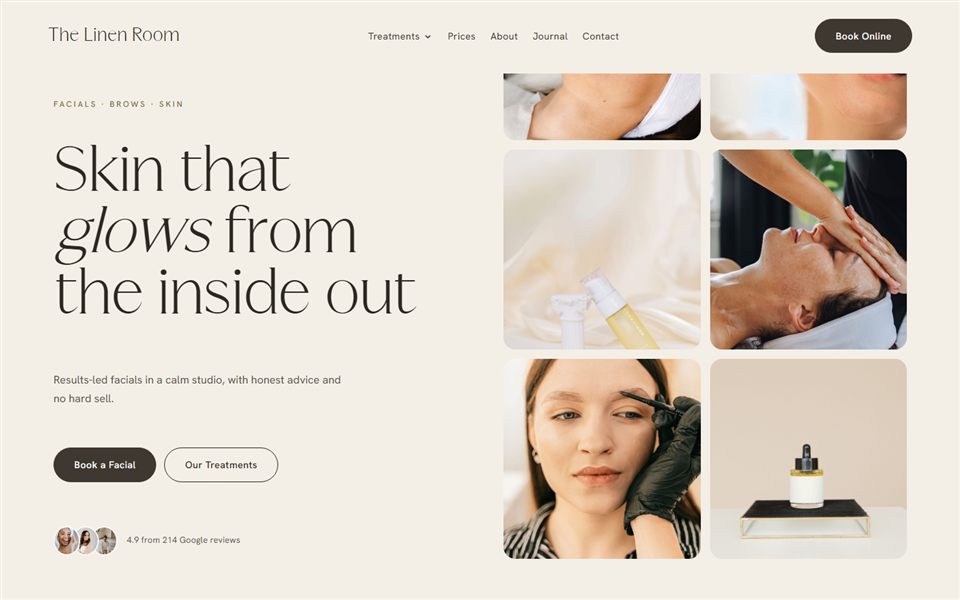
If you’ve ever sent someone your link with a “sorry, it’s a bit out of date”, that’s your answer. Your website is often the first impression a new client has of you. If you wouldn’t hand them a tired, dated price list in the treatment room, your website deserves the same care.
2. You can’t keep it up to date yourself
New treatments, new qualifications, a new team member, a new room. Growing businesses change fast. If changing a price means emailing a developer and waiting a fortnight, the site will always be behind, and old prices or missing treatments create doubt right at the moment someone is deciding to book. A good site lets you change the everyday things in minutes.
3. Instagram is doing all the work
Social media is brilliant for being discovered, but a feed is a poor place to compare treatments, check prices and book. If most of your bookings start in your DMs, you’re spending hours doing what a well-built website could do for you. Look at where new clients come from in your booking system and in Google Analytics. If your website barely appears, and Search Console shows you hardly turn up for your main treatments in your town, the site isn’t pulling its weight on Google either.
4. It doesn’t look like your brand anymore
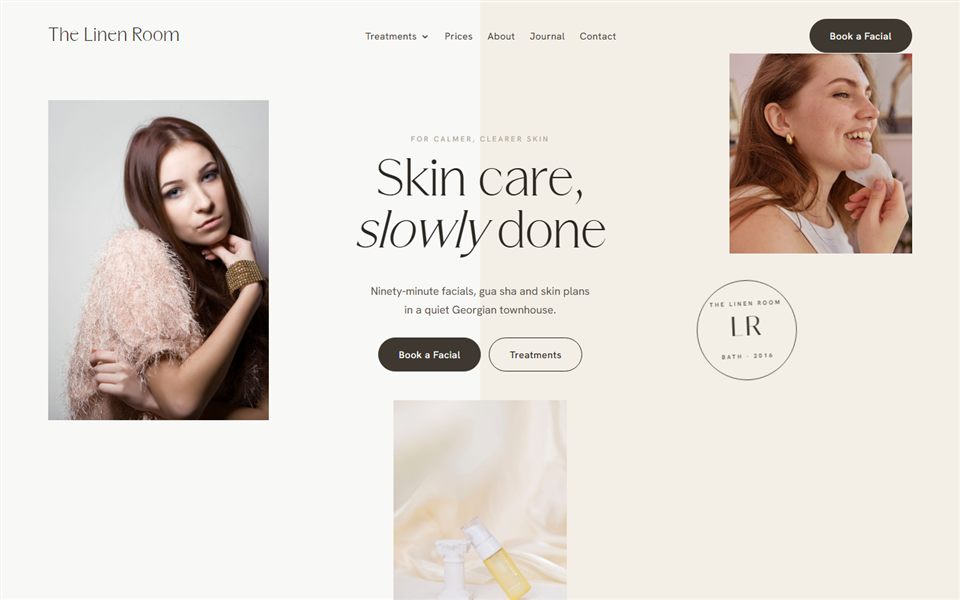
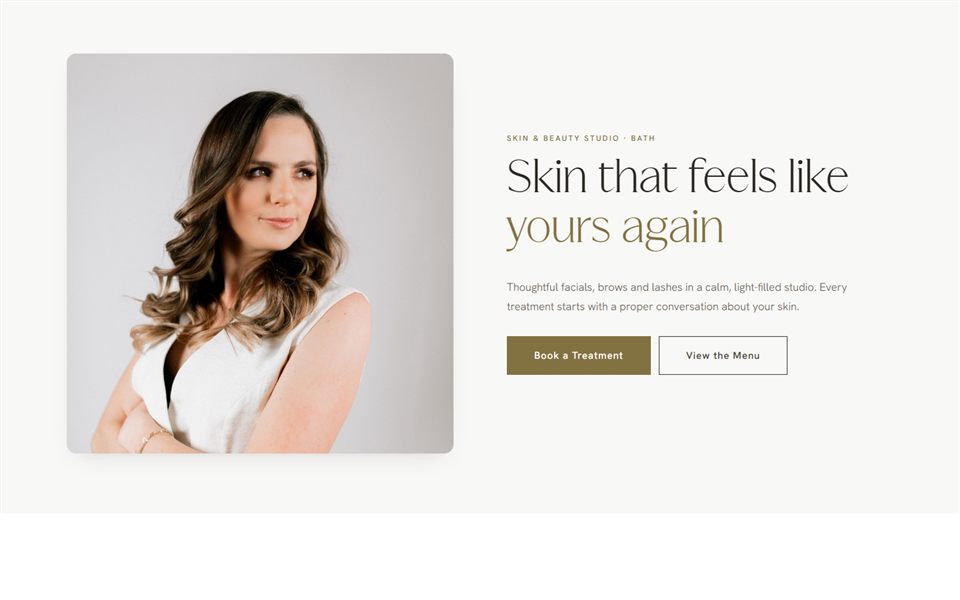
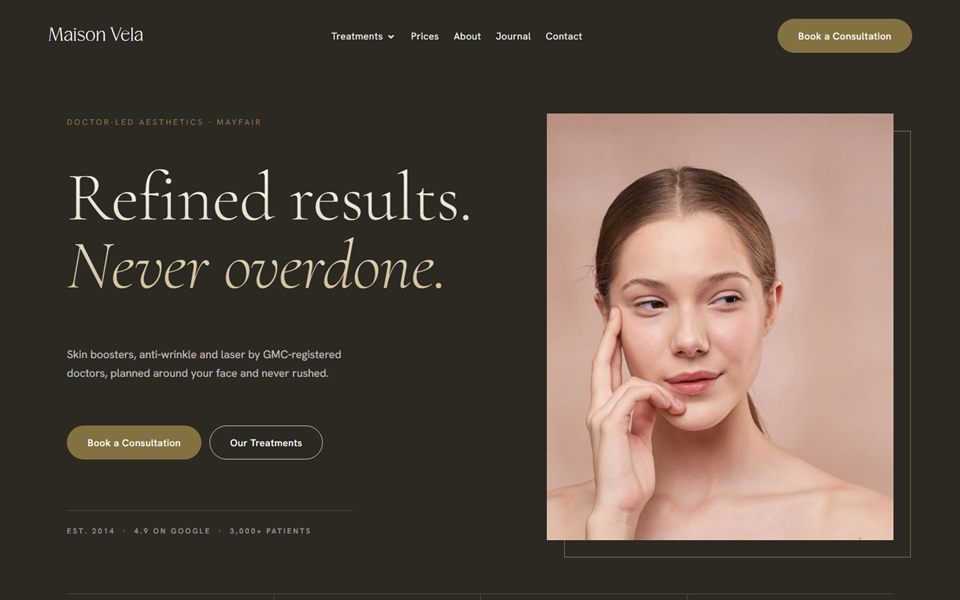
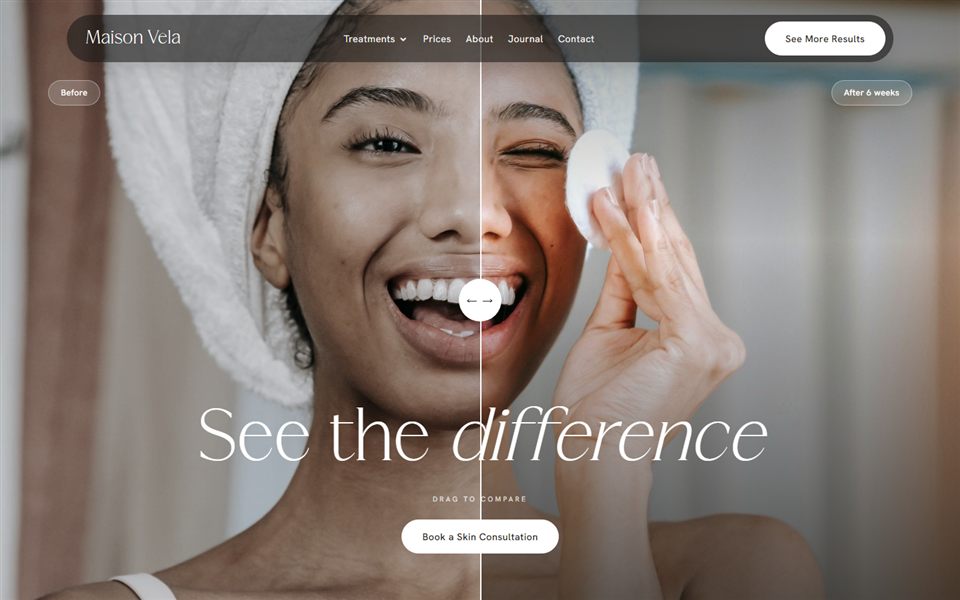
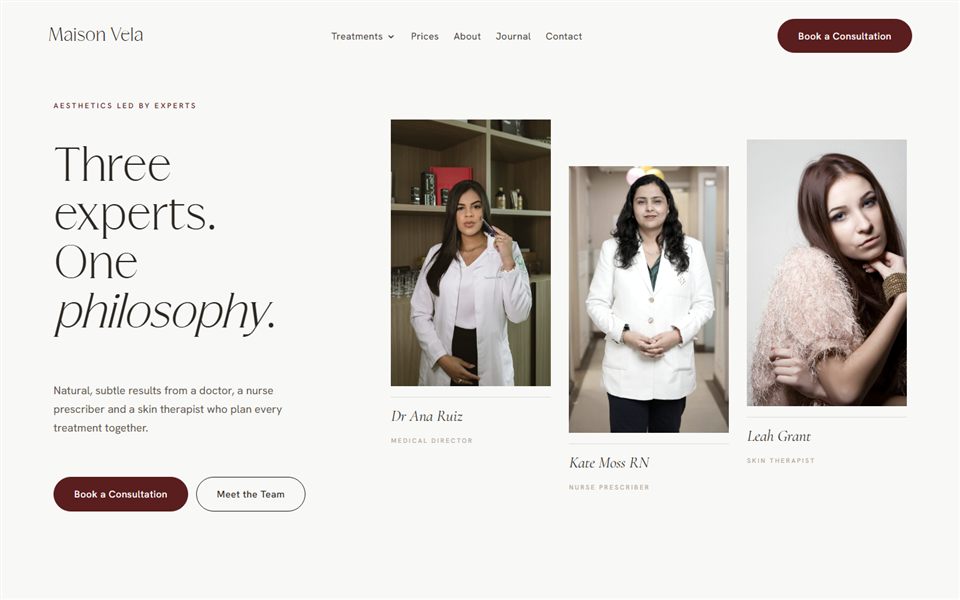
Maybe you’ve had a rebrand, invested in proper photography or moved your prices upmarket. If your website still reflects where you were two years ago, it’s quietly attracting the clients you used to serve rather than the ones you want now. Clients paying premium prices expect the website to look the part before they’ll book.
5. It’s hard to book on a phone
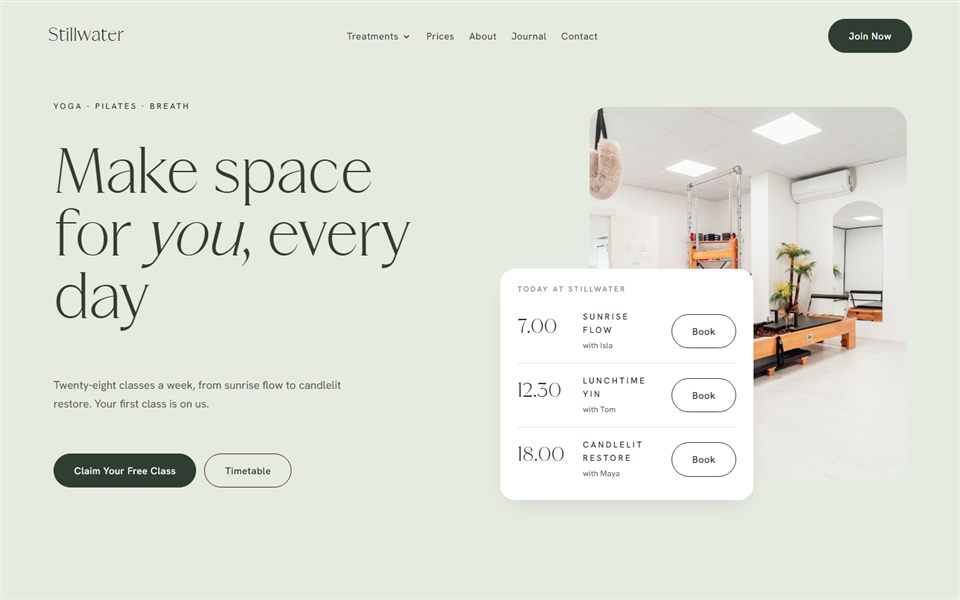
Pick up your phone, open your homepage and count the taps to a confirmed booking. If it takes more than a few, or you hit a slow page, a tiny button or a booking widget that won’t scroll, you’re losing clients who were ready to say yes. Run the page through PageSpeed Insights too. Poor mobile results there usually mean the problems go deeper than a quick tidy-up can fix.
So, what’s next?
Outgrowing your website is a good sign. It means your business is moving forward. The key is choosing a next step that won’t leave you in the same position a year from now: a site you can update yourself, built around how your clients actually find and book you.
If you’re not sure what that next step looks like for you, tell me a little about your business and I’ll point you in the right direction.
Questions I get asked
Should I redesign my website or start again?
If the site is fast, easy to update and on a platform you’re happy with, a redesign of the look and content can be enough. If it’s slow, hard to edit or tied to someone else’s login, starting again is usually cheaper in the long run.
Will a new website lose my Google rankings?
It shouldn’t cause a lasting drop, as long as every old page is redirected to its closest new page and you keep the content that was ranking. My website launch checklist covers redirects step by step.
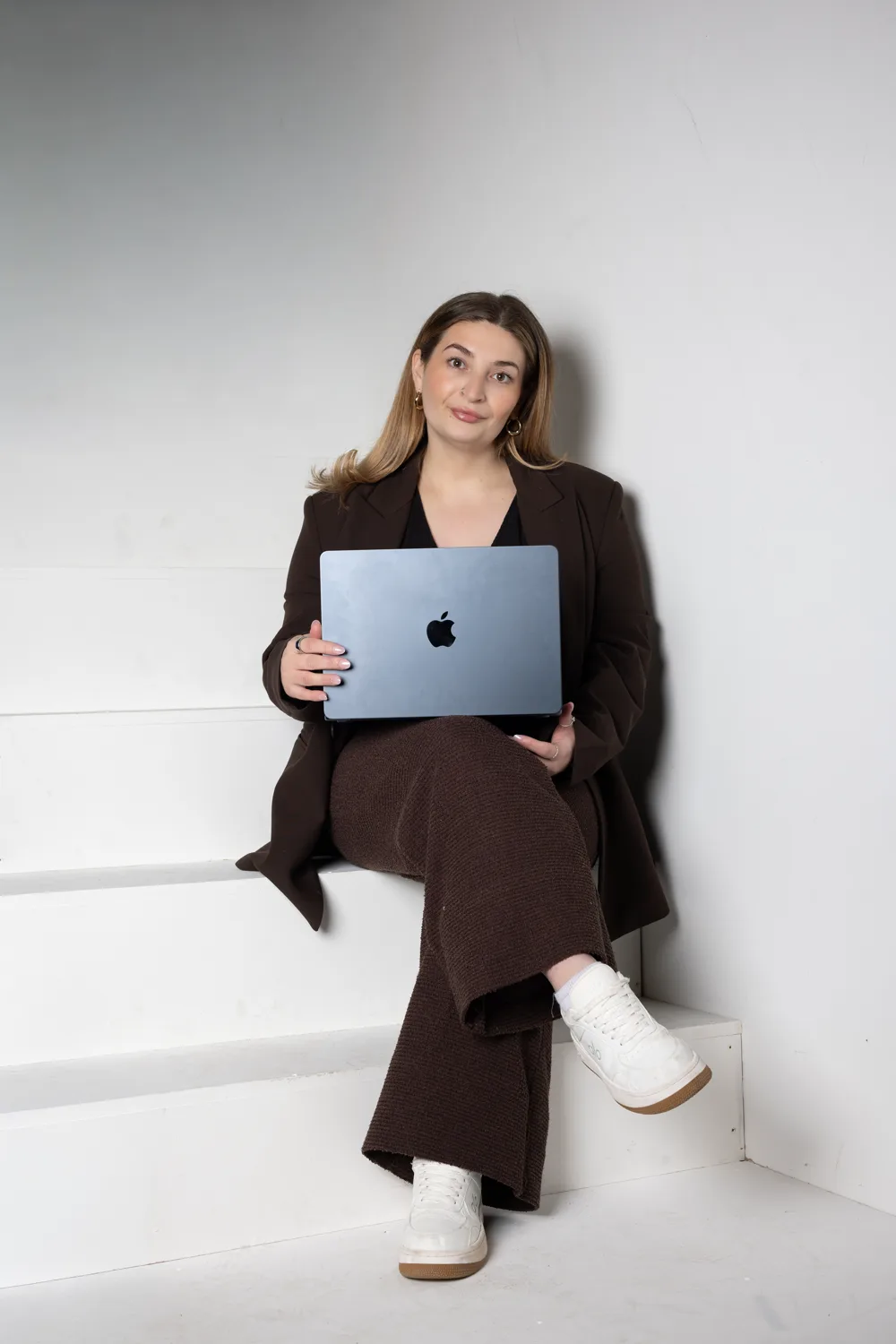
Written by Jade
Founder of Design With Bloom. Designing elevated websites for beauty and wellness brands, with 10 years in marketing behind every detail.
Keep reading
More from the Bloom Hub
Your next chapter
Ready to bloom?
Whether you’re newly qualified or ready to scale, there’s a website here that fits where you are, and grows with where you’re going.